
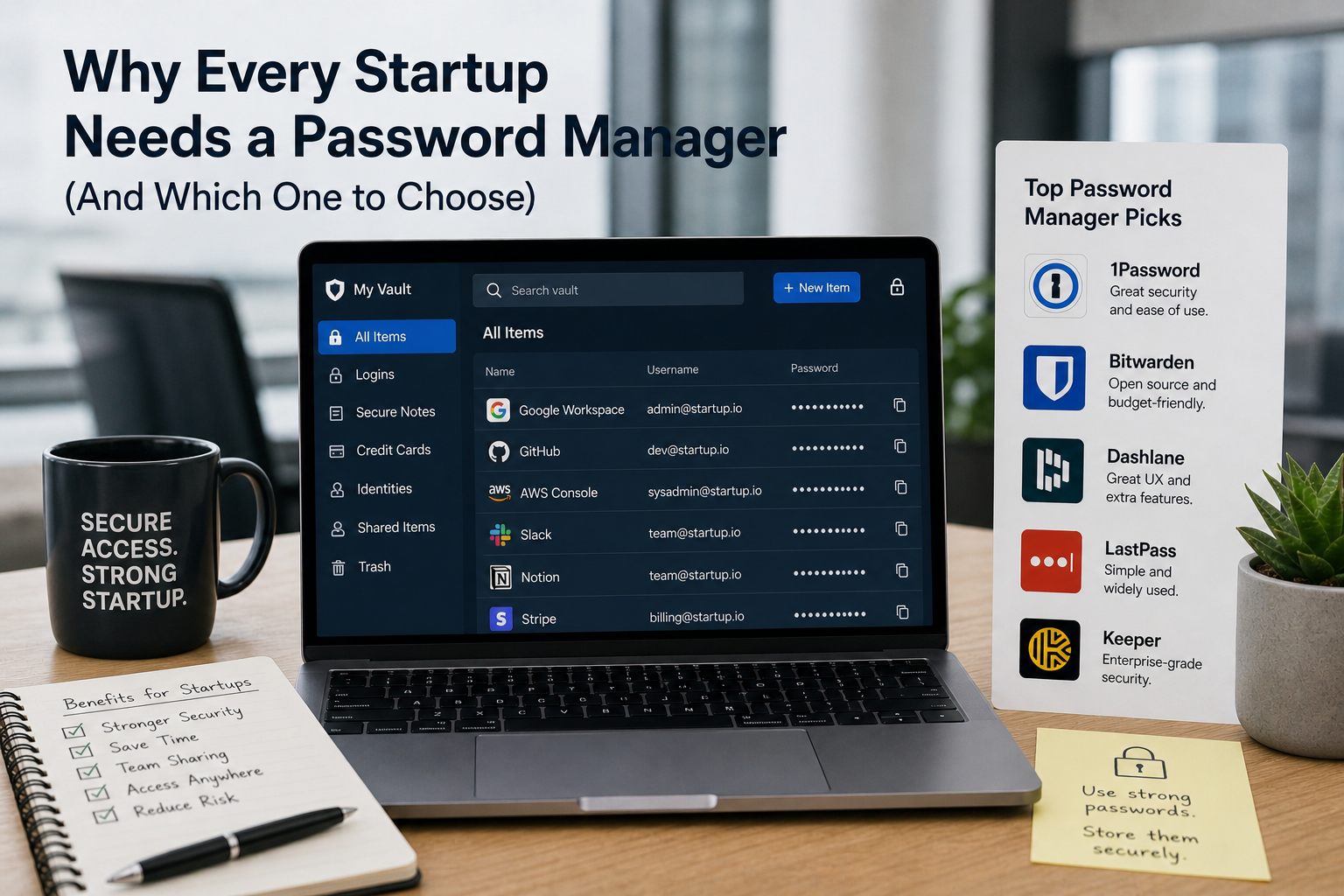
There’s a piece of software that costs less than £10 per person per month, immediately improves your company’s security posture, and pays for itself within weeks through time saved and risk reduced.
Almost every company should have it. Many don’t.
The password manager.
The Problem It Solves
Without a password manager, companies share credentials the way they always have: Slack DMs, Google Sheets, sticky notes, and memory.
“What’s the login for our Stripe account?”
“I think it’s in the shared sheet — check the IT tab.”
This is so normal that it doesn’t feel like a security problem. But let’s examine what’s actually happening:
– Credentials are in a Google Sheet. The sheet is shared with everyone who needs it. And everyone who previously needed it. Including people who’ve left the company.
– Credentials are in Slack DMs. Slack stores messages. Anyone with access to those DMs — or to the account history after someone leaves — can read them.
– Credentials are in someone’s memory. When that person leaves, the credentials leave with them. Or worse, they don’t change the passwords they know.
The pattern is consistent: no password manager means credentials are scattered, uncontrolled, and increasingly dangerous as the company grows and team members come and go.
What a Password Manager Actually Provides
For individuals:
– One master password to remember. The password manager generates and stores strong, unique passwords for every other service.
– Auto-fill in browsers and apps — the friction of using strong passwords drops to near-zero.
– Password health monitoring — alerts when passwords are reused or appear in known breaches.
For teams:
– Shared vaults for team credentials, with access controlled by role
– Full visibility into who has access to which credentials
– Instant revocation — when someone leaves, remove them from the password manager and they immediately lose access to all shared credentials
– Audit logs showing who accessed which credentials and when
– Secure sharing that doesn’t involve Slack messages or Google Sheets
For the business:
– Single source of truth for all credentials
– Access control that matches your HR records
– Evidence of credential management for compliance and security audits
– Reduced risk from phishing and credential stuffing attacks
The Options: Which Password Manager to Choose
1Password Business
1Password is the market leader for business use. Its UI is excellent, it works well across all platforms (Mac, Windows, iOS, Android), and its business features are mature.
Standout features:
– Watchtower — continuously monitors for breached credentials and alerts you
– Travel mode — temporarily removes sensitive vaults when crossing borders
– Business vs personal vault separation — employees can use 1Password for personal passwords without mixing with company credentials
– Strong admin controls and reporting
– Excellent browser extensions and native apps
Cost: approximately £7-8 per user per month for the Teams plan.
Best for: Companies that want the most polished product and are willing to pay a premium for it.
Bitwarden Teams
Bitwarden is open source and has been extensively security-audited. Its security model is arguably more transparent than 1Password’s because the code is publicly reviewable.
Standout features:
– Open source — the security community can audit the code
– Self-hosting option — for companies that want to host their own instance
– Strong browser extensions
– Good team management features
– Regular third-party security audits
Cost: approximately £3 per user per month for Teams.
Best for: Companies where cost is a factor, or where the open-source model is a preference. Also the right choice for companies considering self-hosting.
Dashlane Business
Dashlane has a strong product with good admin features. It includes a built-in VPN (though a dedicated VPN is usually better) and has good reporting.
Cost: around £8-9 per user per month.
Best for: Companies that want 1Password-level features and are comparing options across the market.
Implementation: Getting It Right
Choosing a password manager is the easy part. Making sure the team actually uses it consistently is where most deployments succeed or fail.
Make it mandatory, not optional. The value of a password manager depends entirely on adoption. A policy that says “we use 1Password” with no enforcement creates a false sense of security. Make it part of the standard setup for every employee.
Deploy it on day one. Include password manager setup in your IT onboarding process. New hire gets their laptop, their Google account, and their 1Password account on the same day.
Migrate existing passwords. Help people import their existing saved passwords from Chrome or Safari into the password manager. Don’t leave them maintaining two systems.
Create shared vaults thoughtfully. Don’t dump everything into one shared vault accessible to the whole company. Create vaults by team or function — Engineering, Finance, Marketing, etc. — with appropriate access controls.
Run a quarterly health check. Use the password health dashboard to identify and resolve reused passwords, weak passwords, and credentials from known breaches.
Include contractors and consultants. If a contractor needs access to company credentials, they get a password manager account — not a Slack message with the password.
The ROI Calculation
At £8 per person per month for 30 people, 1Password costs £240/month — £2,880/year.
Consider what that buys:
– Elimination of credential-sharing via Slack and Google Sheets
– Instant revocation of a departing employee’s access to shared credentials
– Significant reduction in risk from credential stuffing and phishing
– Compliance evidence for security audits
– Hours saved per month in credential management
The break-even is probably within the first month.
If your company doesn’t have a password manager, that’s one of the first things flagged by the free IT assessment at itops.zlefterov.com. Start there if you’re not sure where your password security stands.