
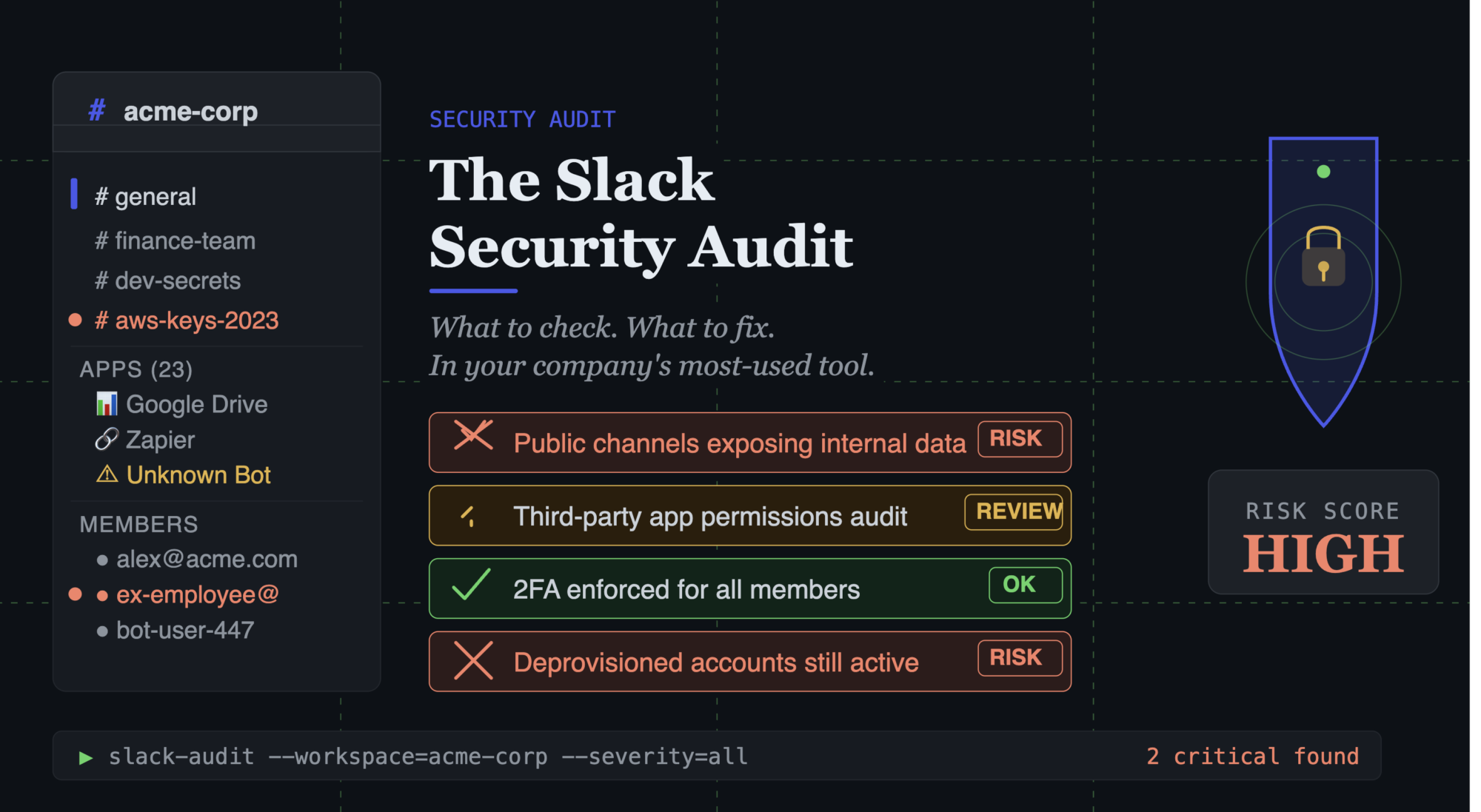
For most growing companies, Slack is where work happens. It’s where decisions are made, information is shared, and teams coordinate. It’s the connective tissue of the organisation.
It’s also one of the most underexamined security surfaces in most IT audits.
Not because it’s particularly vulnerable — Slack is a well-built product with strong security features. But because those features are rarely configured correctly, and the way people use Slack creates risks that settings alone can’t solve.
The Slack Security Audit: What to Review
1. Plan and data retention
Slack’s free plan retains only 90 days of message history. For many companies, this is a compliance problem. If you’re in a regulated industry or subject to legal hold requirements, you need to be able to produce historical communications.
The Pro plan and above retain full message history. Enterprise Grid includes advanced DLP, eDiscovery, and compliance exports.
Audit question: Is your Slack plan appropriate for your retention requirements?
2. Guest access and external users
Slack’s guest feature allows external parties — clients, contractors, partners — to join your workspace with limited access. External Slack Connect channels allow cross-workspace communication.
Audit question: Do you know who has guest access to your Slack workspace? When was the guest list last reviewed?
Common issue: Contractors from a year ago still in your workspace. Former client contacts in channels that contain sensitive information. External Slack Connect channels without clear content policies.
3. App integrations
Slack has a rich ecosystem of integrations — bots, workflows, third-party apps. These integrations often have access to your messages, files, and workspace data.
Audit question: What apps are currently installed in your Slack workspace? What permissions do they have? Who installed them?
Common issue: Legacy integrations that are no longer used but still have active access. Apps installed by former employees that nobody knows the purpose of.
4. Admin access
Who are the Slack workspace admins? Multiple admins are appropriate for redundancy, but admin access should be controlled.
Audit question: Who has admin access to your Slack workspace? Should all of them?
5. OAuth and SSO configuration
Is Slack connected to your identity provider (Okta, Google Workspace, JumpCloud) for SSO? This is important for two reasons: it means employees log in with their company credentials (not a standalone Slack password), and it means deactivating someone in your IdP deactivates their Slack access automatically.
Audit question: Is Slack integrated with your IdP? If not, what happens when someone leaves — is their Slack access removed as part of offboarding, or does it rely on a manual step?
The Behaviour Audit: How People Use Slack
Technical settings are only part of the picture. The more significant Slack security issues are often behavioural.
Sharing passwords and sensitive credentials in Slack DMs
This is extremely common and almost impossible to eliminate entirely. Someone needs a shared password quickly and Slack is the easiest channel.
Slack messages are searchable. They’re retained (unless you’re on the free plan with 90-day retention). They’re accessible to workspace admins. And in the event of a Slack account compromise, they’re readable by the attacker.
The fix: a password manager with a shared vault. If sharing credentials is easy and secure via 1Password or Bitwarden, people will use it instead of Slack.
Sharing customer data in channels with broad access
A customer’s personal information, a contract value, a sales conversation — shared in a Slack channel that includes contractors, interns, or more people than necessary.
The fix: channel hygiene. Review who’s in each channel. Create specific channels for sensitive discussions with appropriate access.
Work decisions made in personal messaging apps
Decisions and approvals happening in WhatsApp or iMessage rather than Slack, because a founder or senior leader prefers it.
The fix: a clear, consistently enforced policy. Work happens in Slack. Exceptions are exceptions.
Accounts not connected to company email
Team members who set up Slack with a personal email rather than their company email. This creates accounts that aren’t connected to your company identity management.
The fix: require company email for all Slack accounts. Audit for personal email accounts in your workspace.
Building a Slack Security Policy
A Slack usage policy doesn’t need to be long. A single page covering:
– Approved uses of Slack
– What should not be shared in Slack (passwords, customer PII, confidential financial data)
– Guest access policy
– Channel naming and access conventions
– How Slack integrates with offboarding
Publish it, communicate it, and include it in your onboarding documentation.
The Quarterly Slack Audit
Slack, like all tools, benefits from a quarterly review:
– Review guest and external user list — remove anyone no longer relevant
– Review installed app list — remove apps no longer in use
– Review admin access — confirm it’s appropriate
– Check SSO integration is functioning correctly
– Review any DMs flagged by Slack’s own security tools
This takes 30-45 minutes every quarter. It’s the kind of consistent maintenance that keeps your Slack environment clean.
If you want to include Slack in a broader IT security assessment, the free tool at itops.zlefterov.com covers your SaaS and communication tools as part of a comprehensive review.