
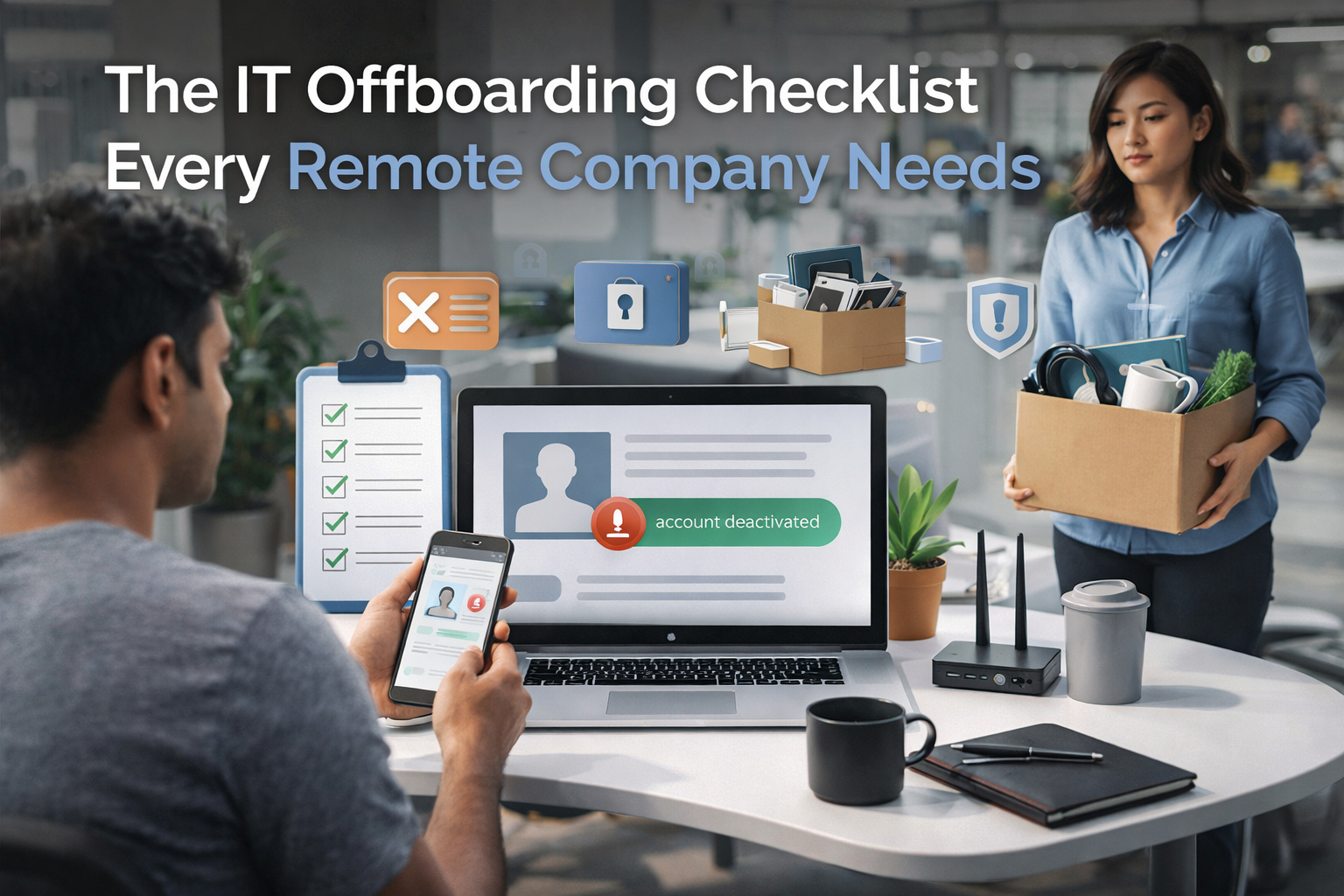
When an employee leaves, most companies focus on the HR side — the exit interview, the final paycheck, the farewell message in Slack. The IT side gets handled as an afterthought. Sometimes the same day. Sometimes the day after. Sometimes weeks later when someone notices the person’s account is still active.
For remote teams, this is a bigger problem than it sounds. There is no physical office to collect a laptop from. No receptionist to hand back an access card. Everything is digital, distributed, and dependent on someone actually doing the work of closing access down.
This post covers exactly what that process should look like — and gives you a checklist you can use or adapt immediately.
Why Offboarding Is an IT Problem, Not Just an HR Problem
HR owns the relationship side of an employee’s departure. IT owns the access side. And in most companies under 60 people, there is no IT — which means access revocation either gets delegated to whoever is most technical, or it doesn’t happen properly at all.
The consequences of poor IT offboarding are concrete:
- Ex-employees retain access to Google Workspace, GitHub, Notion, Figma, and other tools
- Company laptops remain unwiped and unrecovered — with company data on them
- Email continues forwarding, sometimes indefinitely
- Under GDPR, retaining access for a former employee to personal data systems is a compliance issue
None of this is hypothetical. These are the situations I encounter regularly when starting work with new clients.
The Complete IT Offboarding Checklist
Trigger and timing
- HR notifies IT (or the person responsible) on the employee’s last day — or ideally 24 hours before
- A named person takes ownership of the process for this specific departure
Identity and access — do this first
- Revoke SSO access (JumpCloud, Okta, Google Workspace SSO, Azure AD) — this cascades to all connected apps
- Disable the primary email account — do not delete it yet
- Transfer ownership of critical files and folders before disabling the account
- Set an out-of-office auto-reply with a redirect to the appropriate contact
- Remove from all distribution lists and shared inboxes
Third-party tools — do not rely on SSO alone
SSO only covers tools connected to your identity provider. Most companies have 15–30 tools. A significant number are not in the SSO. Check and manually remove from:
- GitHub / GitLab — remove from org and all repositories
- Slack — deactivate account, do not delete (message history is preserved)
- Notion, Confluence, or other wikis — revoke access and reassign owned pages
- Figma, Miro, or design tools — remove from team and shared projects
- Any password manager (1Password, Dashlane) — remove from team vault
- Any CRM, support tool, or finance tool they had access to
Device
- Initiate remote wipe via MDM immediately or coordinate device return within 24 hours
- If no MDM is in place, arrange physical return and manual wipe before the device is reassigned
- Update device inventory — mark as available or decommissioned
Documentation and close-out
- Note what access the person had — for audit trail and future reference
- Archive email for 30 days, then disable forwarding and the account
- Remove from any external directories, vendor portals, or client systems
- Confirm all steps completed and sign off in your IT log or ticketing system
The Single Biggest Offboarding Mistake
Relying on SSO revocation as the complete offboarding process. SSO handles the tools connected to it. But most companies have shadow IT — tools adopted by individual teams that were never formally connected to the identity provider. Slack gets connected; the project management tool a single team adopted 18 months ago probably didn’t.
The only reliable approach is a comprehensive checklist tied to a complete inventory of what each person had access to. That inventory rarely exists — which is why building it is one of the first things I do with new clients.
Building the Process Once
The goal is not to run through this checklist manually every time someone leaves. The goal is to build it once, automate what can be automated (SSO revocation, device wipe trigger, email archiving), and have a documented manual step for everything that can’t be automated.
When that process exists, offboarding a departing employee takes 30 minutes, not 3 days of scrambling through Slack asking who knows what tools they had access to.
If your company doesn’t have a formal IT offboarding process, start with a full IT risk assessment to see where the gaps are: itops.zlefterov.com — free, no email required, takes 15 minutes.