
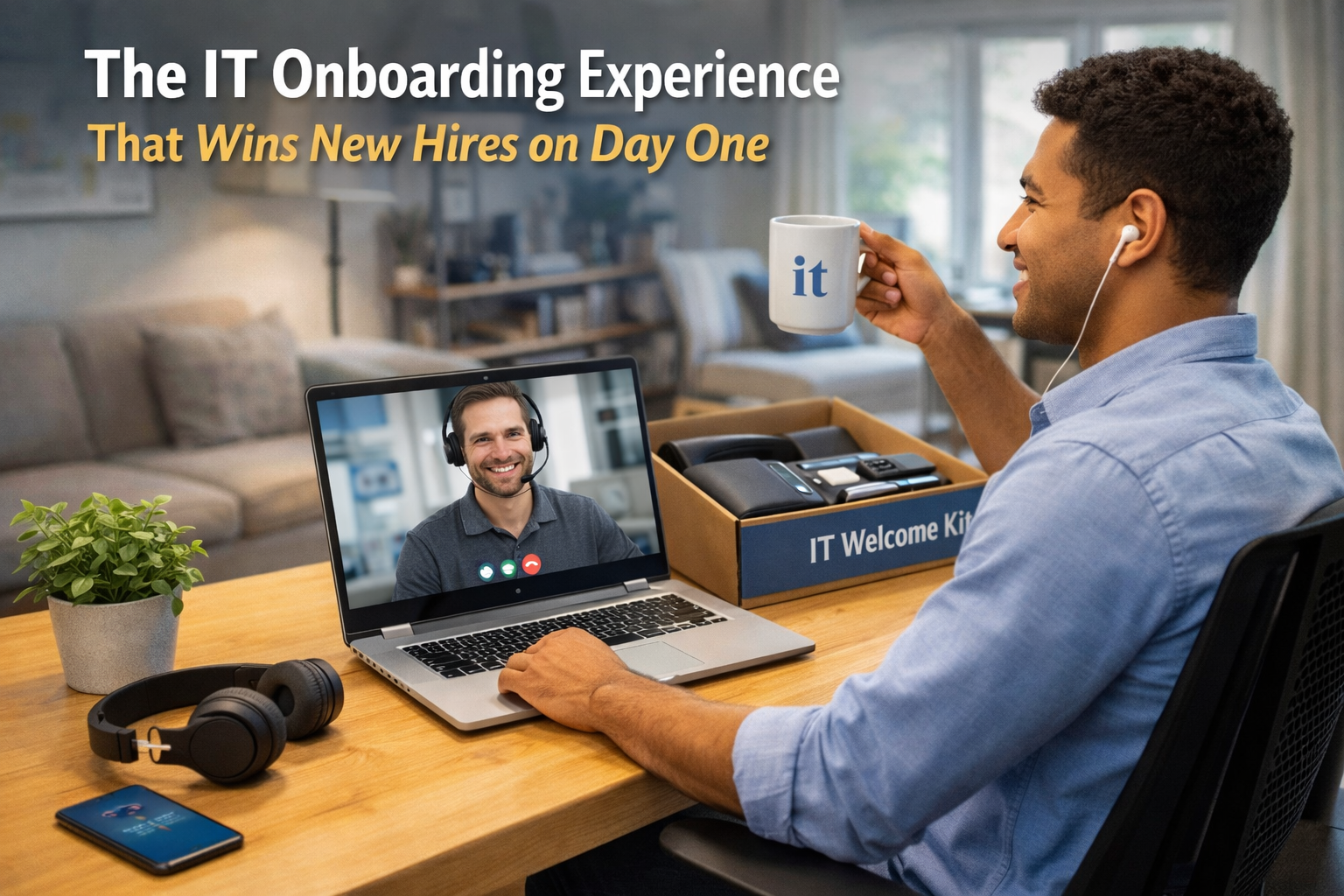
First impressions in a new job are made in the first 48 hours.
The research on this is consistent: new employees decide very quickly whether they made the right choice. And while a lot of attention goes into the cultural and human elements of onboarding — the welcome, the team introductions, the first 1:1 — the IT experience is a surprisingly powerful signal.
A new hire who spends day one waiting for their laptop to be set up, clicking through broken account invites, and messaging their manager about missing access doesn’t feel welcomed. They feel like an afterthought.
A new hire who opens their laptop, signs in once, and finds everything ready feels like they joined an organised, professional company that takes their time seriously.
The difference isn’t magic. It’s process.
What Bad IT Onboarding Actually Looks Like
Let me describe a composite of what I’ve seen at companies that haven’t invested in IT onboarding:
Two weeks before start date: Someone remembers to order a laptop. They go to Amazon or the Apple Store. They pick something similar to what they have. They wait for delivery.
One week before start date: Laptop arrives at the office or someone’s home. It goes in a box. The person who ordered it is busy.
Day before start date: Someone picks up the laptop and sets it up manually. This takes three to four hours. They install Slack, Chrome, Zoom, the company VPN. They create a Google Workspace account. They send an invite to the new hire’s personal email.
Day one: The new hire arrives. The laptop is mostly set up but some things aren’t quite right — the wrong version of an app, a missing tool, settings that don’t match the rest of the team. They spend the morning sorting things out. By lunchtime they have basic access. Full access takes until day three or four.
The experience: Functional. But the signal it sends is: we’re not quite ready for you.
What Good IT Onboarding Looks Like
The goal is that when a new hire opens their laptop on day one, everything works. They don’t wait. They don’t troubleshoot. They get straight to the work they were hired to do.
This is achievable with two things: MDM with zero-touch deployment, and a documented onboarding workflow.
Zero-touch deployment:
With MDM (JumpCloud, Jamf, Intune or Kandji/Iru), you create a configuration profile that defines exactly what a new company laptop should look like. When a new MacBook is registered in Apple Business Manager and associated with your MDM, the device automatically configures itself on first boot.
The new hire turns on their laptop, enters their company email address, and their apps install, their settings apply, and their device enrolls in MDM automatically. No manual setup. No IT person needed.
The onboarding workflow:
Alongside the device setup, there’s an account creation process. When a new hire is confirmed, a workflow triggers:
– Google Workspace account created
– Added to the correct Google Groups
– Slack account created and added to correct channels
– Password manager access granted
– All relevant SaaS tools provisioned (based on their role)
– Calendar invites sent for first week meetings
This workflow can be manual (a checklist someone runs through) or automated (triggered by the HR system). Either way, it’s consistent, documented, and completed before day one.
The one-page guide:
Every new hire gets a simple document on their first day: here are the tools we use, here’s how to find things, here’s who to ask for what. One page. Clear. Friendly.
The Business Case for IT Onboarding
Beyond the experience, there’s a business case.
Productivity: A new hire who’s fully set up on day one starts contributing immediately. A new hire who’s troubleshooting IT for three days doesn’t. For a hire costing £60,000 a year, day one productivity is worth roughly £230. Day two. Day three.
Consistency: Manual setups are inconsistent. Two people set up laptops slightly differently. One has the security settings configured correctly. The other doesn’t. With zero-touch deployment, every device is identical.
Compliance: MDM enrollment on day one means the device is managed, encrypted, and visible from the moment it’s used. No gap between “device delivered” and “device managed.”
Scalability: When you hire 10 people in a month, a manual onboarding process breaks. An automated one scales without additional effort.
The Investment Required
Setting up zero-touch deployment and a documented onboarding workflow is a one-time project.
Once built, it runs with minimal maintenance.
The cost: a few thousand euros in IT consultant time and MDM licensing. The return: every future hire, for the life of the company, has a better first-day experience and is productive immediately.
It’s one of the highest-return IT investments a growing company can make.
If you want to understand where your IT onboarding stands, take the free assessment at itops.zlefterov.com.